Someone who read my story on “How to name your travel blog” asked me what happens next. I figured if one person wants to know, then surely the rest of humanity needs this info too!
Once you have determined your unique online identity (domain name), it’s time to decide who will host your website. For the nubes to this game, website hosting is the process where a service provider stores and maintains website files and applications on a server to make its customer’s websites accessible to the internet. It sounds like an invitation to a boujee event….hosts…servers…simple right? Yeah, nah.
There are a bunch of companies that offer these services, and it’s a quagmire to wade through. After hours of grunt work, which entailed scanning a bazillion product reviews, I decided on using DreamIT for the reasons listed below:
- Their servers are in the Pacific region (as am I), and my tiny un-IT brain just couldn’t comprehend a server as far away as the US of A, getting info here on the internet highway at the same speed as a server located in the Pacific.
- It’s an Aussie-owned company with a support team located in Oz.
- It costs me AUD$6.95 a month, and I paid for a year, so AUD$83.40, and to be honest, I think I used up all $83.40 in the first hour of setting up hosting!
Initially, I used the chatbot to ask questions. When the bot got sick of me, it directed me to raise a ticket to the support team. After three tickets, the support team got sick of me and phoned me! How’s that for dedication to the cause, or was it “fastest way to get this psycho off our case” (shout out to Jason, who probably had to have therapy after dealing with my issues.)
- Free SSL Certificate – Most important, as this is what enables websites to use HTTPS, which is more secure than HTTP. You know when you see the “not secure” in the URL and sometimes your firewall blocks the site….you don’t want that. If you don’t get a free SSL certificate included in your hosting package, make sure you buy it separately.
It’s from the host’s dashboard that you can download or upload your WordPress theme. If you are using any other website platform…I dunno what’s next.
You should probably have half an idea about the WordPress theme you’d like to use before you get to the hosting phase, as that’s another fall down the rabbit hole! There are literally a kazillion WordPress themes you can use and around that many blogs spruiking the best themes, free and paid. I lost days that I will never get back searching for the perfect free theme for my project and was fortunate to find it with Blossom Travel.
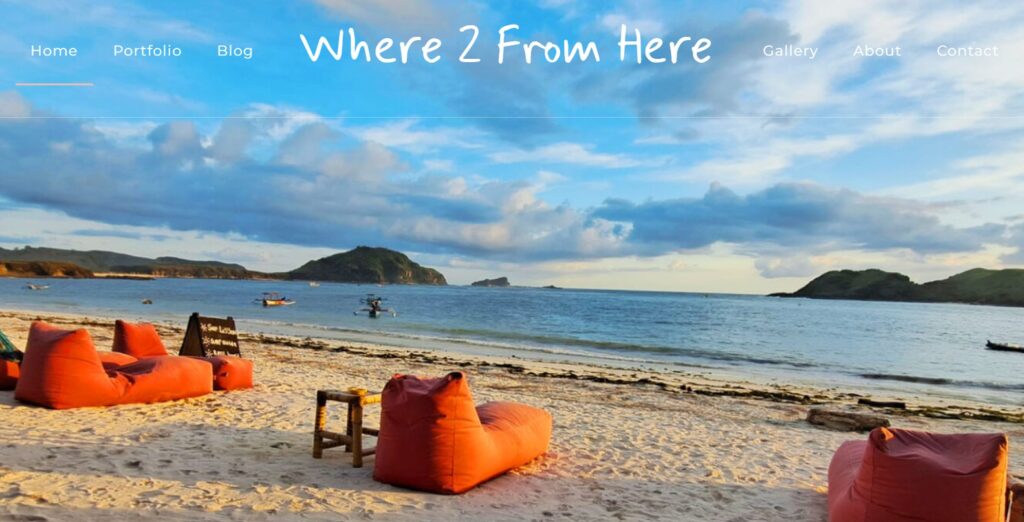
Blossom Themes has an extensive range of WordPress templates, both free and paid, touted as “Feminine WordPress Themes,” however you can definitely get your goth on with the customising options they offer. I found Blossom Travel theme super versatile and responsive, and it came with a much-watched 2hr 44min “how to” tutorial…Bless Bloss!
When I see peeps banging on about a website theme that’s just a click to download and your website is ready to go, my BS radar goes off. If it was that simple, why doesn’t everyone have a website? You can teach yourself the basics of WordPress as there are an abundance of “how to” YouTube vids out there. For me, I did some Udemy courses. First, I did the “Beginners guide to WordPress” and almost finished it. Then I paid for a social media marketing course and did about two units. Lastly, I bought the “Advanced WordPress” course and haven’t started it yet. Can you see a pattern here, lol?
So, armed with just enough information to get myself into trouble, here I am.